
SkyATA-101 User Manual introduces the features and characteristics of the product, including installation, use, and FAQs
The SkyATA-101 is a small USB‑powered device that connects an analog telephone or DECT handset to Skype, allowing PC‑to‑PC, PC‑to‑Phone and SkypeOut calls. It supports Windows operating systems and Skype versions 3.8 and newer, and includes indicator LEDs for status, call, and error conditions.
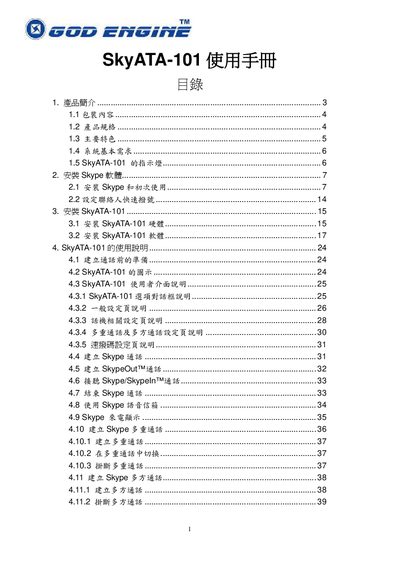
The manual covers product specifications, system requirements, installation of the Skype software, configuration of the device, usage of multi‑call and conference features, and FCC compliance information. This manual is written in Japanese.
| Dimensions | 67.4 × 36.2 × 17.8 mm |
|---|---|
| Supported Operating Systems | Windows 7, Vista, XP, 2000 (SP4+) |
| Supported Skype Versions | 3.8 or 4.0 and later |
| Interface | USB connector and RJ‑11 line port |
| Power Supply | USB powered, no external adapter required |
| Audio Format | 16‑bit PCM |
| Operating Temperature | 0 °C to 55 °C |
| Warranty | 1 year |
The SkyATA-101 receives power directly from the USB connection and does not need an external power adapter.
The LEDs show standby (slow blink), ringing (fast blink), call in progress (steady on), and error (off).