
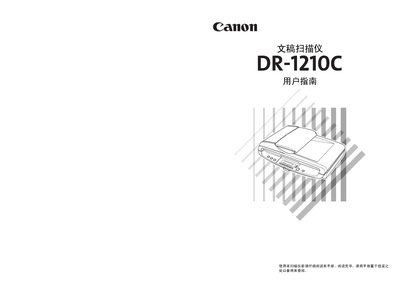
This manual guides users through installing the Canon DR-1210C document scanner, connecting it to a computer, and configuring the supplied CapturePerfect 3.0 software. It also explains the scanner’s features, recommended installation locations, and safety precautions.
Additional sections cover daily maintenance, cleaning procedures, error messages, paper‑jam clearing, and detailed specifications. A quick‑reference guide for the Job Registration Tool and software settings is included at the end. This manual is written in Chinese.
Check the "扫描仪未接通电源" troubleshooting step, which advises verifying the power connection and ensuring the power switch is on.