
This document is a Haier 29F1A-P TV manual, which introduces the basic features, technical specifications, controller panel, channel selection and storage, picture settings, audio settings, function settings and other content of the TV.
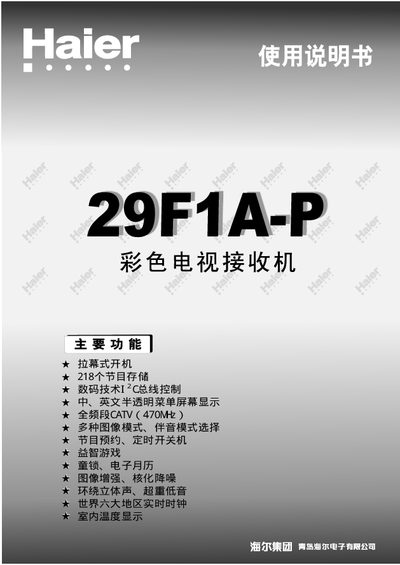
This manual provides step‑by‑step instructions for installing, configuring, and using the Haier 29F1A-P color television. It covers basic features, technical specifications, controller panel functions, channel selection, picture and sound adjustments, as well as clock and calendar settings.
Additional sections explain how to connect external AV equipment, operate the remote control, replace batteries, and troubleshoot common image or audio issues. Safety precautions and maintenance tips are also included. This manual is written in Chinese.
| Screen size | 29" |
|---|---|
| Power supply voltage | 150V - 250V ~ |
| Power consumption | 140W |
| Antenna input impedance | 75 Ω |
| Video input level | 1.0 Vp‑p (75 Ω) |
| Audio input level | 500 mVrms (40 kΩ) |
| Audio output level | 500 mVrms (600 Ω) |
| Audio output power | 5W + 5W + 10W |
| Net dimensions (mm) | 863 × 505 × 563 |
| Net weight | 41 kg |
Unplug the TV before cleaning, do not use gasoline, benzene or other chemicals, and avoid moisture or direct water on the screen.