
This manual introduces the use of D8/D8-M1/D8-M3/D8-OEM products, including system requirements, hardware installation, software settings, playback and other contents.
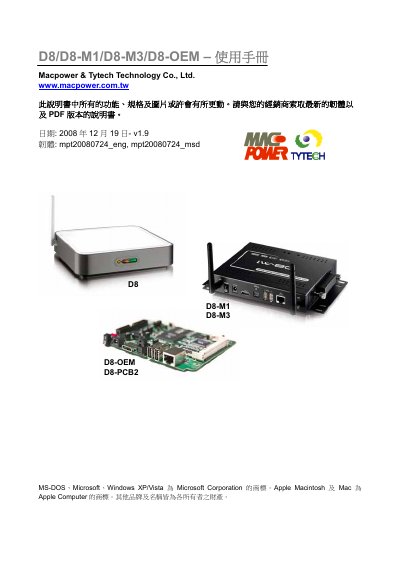
This manual covers the D8 family of media players from Macpower, describing system requirements, configurable hardware modules, and connection options. It provides detailed explanations for each model (D8, D8-M1, D8-M3, OEM) and includes instructions for network configuration, content download, and playback control.
The document also contains a FAQ section that answers common questions about URL formats, download methods, and playlist limits, helping users set up and maintain the devices efficiently. This manual is written in Chinese.
| CPU requirement | Intel Pentium II 500 MHz |
|---|---|
| Minimum RAM | 128 MB |
| Network speed | 10/100 Mbps Ethernet |
| Maximum storage | Up to 750 GB (CF or USB) |
| Power input | 110‑240 V AC |
| Power output | +12 V / 2 A |
Use an IP address with the path to the update.d8 file, using HTTP or FTP; an IP address is preferred over a domain name.
downnow triggers an immediate download of the update.d8 file, while downfromserver downloads according to the schedule set in the setup menu and only works when the mode is OFF or scheduled.
Stop playback, open the setup menu, and close the playlist or repeat mode; then use the power button with the combination 1111 or 1234 to enter update or configuration.