
This document is the user manual of Philips mp3-cd player psa[cd8. It mainly introduces the use method, maintenance method, function characteristics and other information of the product.
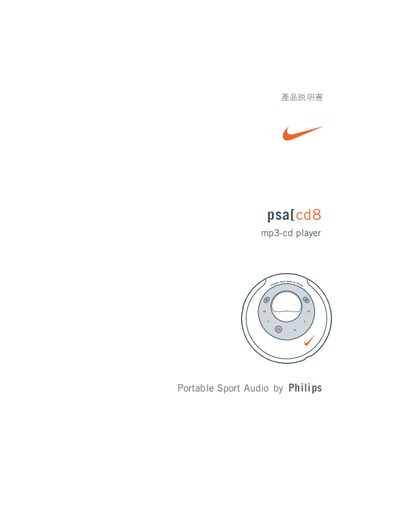
This manual provides a quick‑start guide, detailed description of the controller buttons, and instructions for basic functions such as play, pause, volume, track selection and repeat/shuffle modes. It also explains how to use MP3 files, create MP3‑CDs and manage music folders.
Additional sections cover battery installation, power‑adapter connection, firmware upgrades, cleaning and maintenance, environmental disposal, and a full troubleshooting guide with error messages and solutions. This manual is written in Chinese.
| Playback time (alkaline, ESP off) | 3.5 h |
|---|---|
| Playback time (music CD, ESP on) | 5 h |
| Playback time (MP3‑CD, ESP on) | 7 h |
| Supported MP3 bitrate | 32–320 kbps (VBR allowed) |
| Maximum MP3 files per disc | ≈ 350 files |
Use a slightly damp, non‑abrasive soft cloth and gently wipe the lens from the center outward; do not use any cleaning agents.
The ESP button activates electronic skip protection and power‑saving mode; press it repeatedly until the ESP indicator appears on the display.