
This manual describes how to install and configure the router.
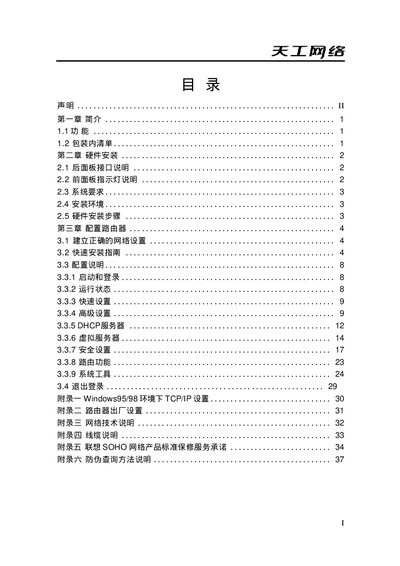
This manual explains the hardware layout, including WAN, LAN and xDSL ports, and guides you through the initial installation steps. It covers network configuration options such as DHCP, static IP, firewall, UPnP and DMZ settings.
The document also includes detailed instructions for accessing the router’s web interface, configuring wireless parameters, and troubleshooting common connectivity issues. Support contact information and warranty details are provided at the end.
| WAN port speed | 10M/100M |
|---|---|
| LAN ports | 4/8/16/24 Ethernet ports |
| Default IP address | 192.168.0.1 |
| Default subnet mask | 255.255.255.0 |
| Supported WAN technologies | xDSL and Ethernet |
Open a web browser and navigate to http://192.168.0.1 to reach the router’s web interface.