
WH7016E temperature controller product manual, which details the product's features, installation opening size, wiring diagram, electrical performance, key instructions, operating instructions, etc.
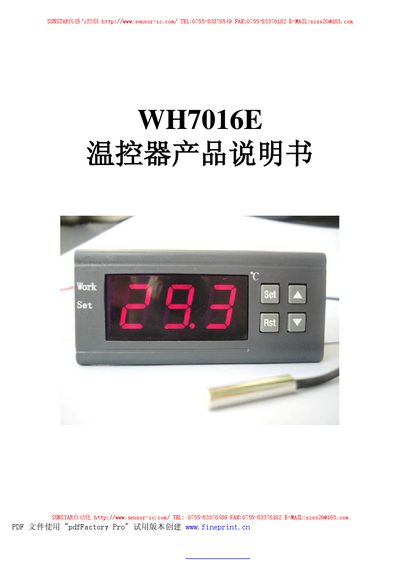
This manual describes the WH7016E thermostat produced by Sunstar Automation. It covers the device’s electrical specifications, wiring connections, key functions, and safety precautions for both cooling and heating modes.
The guide explains how to power the unit, adjust temperature set‑points, configure hysteresis, alarm limits, and delay protection, as well as interpreting the LED indicators and handling fault conditions. This manual is written in Chinese.
| Temperature control range | -9.9°C to 99.9°C |
|---|---|
| Sensor type | NTC (10K/3435) |
| Control accuracy | 0.1°C |
| Working voltage | AC 220V |
| Maximum working current | 200 mA |
| Operating temperature range | 0°C to 50°C |
| Storage temperature range | -10°C to 60°C |
Press the RST key to power on; hold the RST key for three seconds while running to power off.
Press the SET key to enter temperature setting mode, then use the up or down keys to adjust; holding the key for three seconds enables fast adjustment.
The work LED flashes during cooling/heating delay and stays solid when active; the SET LED stays solid while in a setting state.