
This document is the service manual of DVG-8500N. It introduces the safety precautions, features, operations, usage instructions, disassembly and replacement, circuit diagrams, and IC materials.
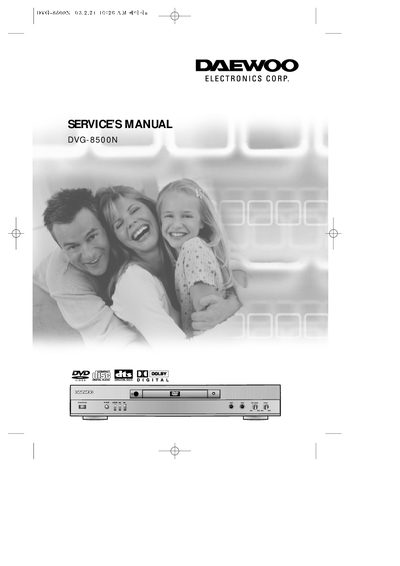
This service manual for the Daewoo DVG-8500N DVD player contains extensive safety precautions, including warnings about electric shock, laser exposure, and proper ventilation. It outlines the required handling, grounding, and power‑cord protection measures, and describes how to safely service the unit.
The document also lists the player’s features such as Dolby Digital audio, MPEG‑2 high‑definition video, multiple disc format compatibility, various audio and video output options, and includes detailed schematics, part numbers, and pin‑function descriptions for technicians performing repairs or replacements.
| Audio Output | Analog, coaxial and optical digital |
|---|---|
| Video Output | Standard, S‑video, component |
| Supported Disc Formats | DVD, CD, CD‑R, CD‑RW, PiC‑CD, MP3 |
| Screen Types | Ordinary and widescreen (16:9) |
| Memory | 16 Mbit SDRAM |
| Laser Class | Class 1 |
| Power Plug | Polarized AC line plug |
It offers analog audio output as well as coaxial and optical digital audio outputs.
The player uses a polarized AC line plug that fits into the outlet in only one orientation.