
This manual introduces the hardware installation, network configuration and quick start of the router. It is suitable for all users who use this product.
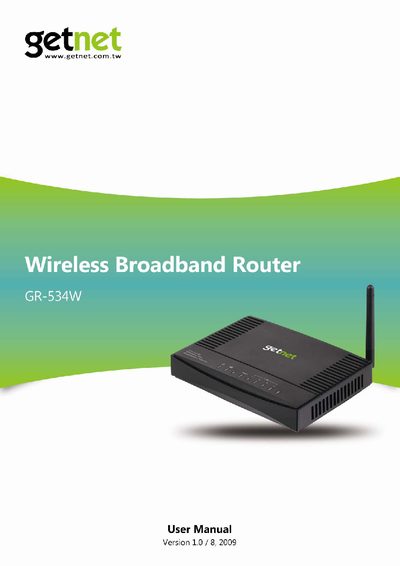
The Getnet GR-534W wireless router is a dual‑band device that supports IEEE 802.11b/g/n standards with data rates up to 150 Mbps. This manual guides users through hardware setup, network configuration, and advanced features such as QoS, firewall, and wireless security.
Key sections include an overview of the router, hardware description and installation, network configuration modes, quick‑start procedures for bridge, gateway and WISP modes, detailed web‑based configuration, and a troubleshooting guide covering common connectivity issues.
| Supported Wi‑Fi Standards | IEEE 802.11b, IEEE 802.11g, IEEE 802.11n |
|---|---|
| Maximum Data Rate | 150 Mbps |
| Wireless Security | WEP, WPA, WPA2, 802.1X |
| DHCP Capability | DHCP Server and Client |
| Routing Features | Static and dynamic routing |
| WAN Connection Types | STATIC, DHCP, PPPoE, L2TP, PPTP |
| Power Supply | 12 V, 500 mA |
The router supports five WAN types: STATIC (fixed IP), DHCP (auto‑config), PPPoE (ADSL), L2TP, and PPTP.