
This document is an instruction manual for a digital DV camera, including precautions and safety instructions, preparation, system menu settings, basic functions, USB modes, technical specifications, etc. The document introduces the usage and features of the digital DV camera.
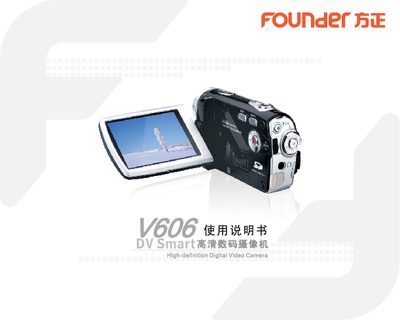
The manual begins with safety precautions and preparation steps, including battery installation, SD‑card insertion, and LCD screen handling. It then details the system menu settings such as language selection, default reset, formatting, date/time, and video mode options.
Subsequent sections cover the basic functions of the camera—recording video, playback, photo capture, image browsing, zoom, exposure lamp, and USB connection modes. Technical specifications, troubleshooting tips, and regulatory information are provided at the end of the document. This manual is written in Chinese.
| Image sensor | 5 MP CMOS |
|---|---|
| Maximum image resolution | 4032×3024, 3264×2448, 2592×1944, 2048×1536, 1280×960, 640×480 |
| Storage medium | SD card (8 MB‑8 GB) |
| File formats | JPEG / AVI |
| Shutter speed | 1/4 s – 1/1800 s (electronic) |
| Digital zoom | 16× |
| White balance modes | Auto, Daylight, Cloudy, Tungsten, Fluorescent |
| Exposure control | Auto |
| Exposure compensation | +2.0 EV (0.5 EV steps) |
Select menu option E for white balance and choose among Auto, Daylight, Cloudy, Tungsten, or Fluorescent.
Open menu option A and select the desired language from the list.