
This document introduces NVIDIA RAID installation guide, including BIOS RAID installation guide and Windows RAID installation guide
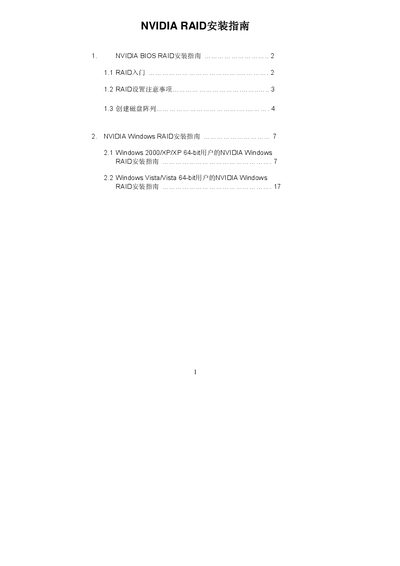
The guide explains how to configure NVIDIA RAID in the BIOS environment using the NVIDIA RAID Utility, including creating arrays, selecting RAID modes and setting striping block size. It also details the required SATA/SATAII connections and provides precautions for data safety.
In Windows, the document shows how to install the NVIDIA driver package, launch NVRAIDMAN, and create, delete or rebuild RAID arrays for Windows 2000/XP/XP 64‑bit and Windows Vista/64‑bit systems. It includes screenshots and step‑by‑step instructions for each RAID type. This manual is written in Chinese.
| Default striping block size | 64 KB (Optimal) |
|---|---|
| Maximum SATA/SATAII ports supported | Up to 4 ports |
The default striping block size is 64 KB (Optimal).
Press
Launch NVRAIDMAN from the NVIDIA program menu after installing the driver.