
SGH-X658 mobile phone user manual, introduces the basic functions and special functions of the phone, including camera, infrared port, WAP browser, address book, MMS, FM radio, Java, calendar, recorder, alarm clock, etc.
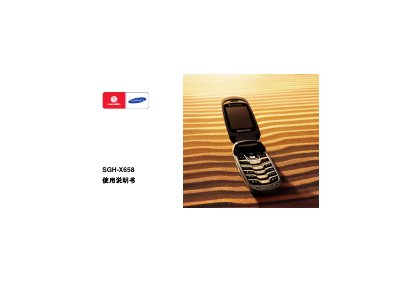
This is the user manual for the Samsung SGH-X658 mobile phone, written in Chinese. It provides safety precautions, an introduction to the phone, and instructions for getting started with the device.
The manual covers accessories, phone parts, initial setup, battery charging, turning the phone on and off, keys and display, menu use, calls, special functions such as the camera, FM radio, WAP browser, contacts, messaging, infrared port, calendar, text input, basic and advanced call functions, the full menu, troubleshooting, and health and safety information.
Open the flip cover, press and hold the power key, and enter the PIN code if necessary.
No. Turn off the phone at gas stations and near flammable items or chemicals.
Insert the travel charger into the phone and plug it into a standard AC power outlet.