
This document is the user manual for CP-D30N liquid crystal projector, which mainly introduces the product features, basic settings, adjustments, and maintenance methods.
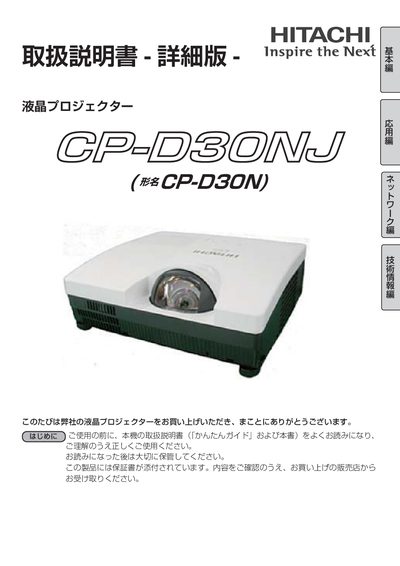
This manual explains how to install, configure, and safely operate the Hitachi CP‑30NJ short‑throw LCD projector. It includes safety warnings, symbol explanations, and detailed instructions for basic operation, input selection, and remote‑control use.
The document also covers maintenance tasks such as lamp replacement, air‑filter cleaning, and network setup via LAN and PJLink, plus warranty, after‑service procedures, and technical specifications. This manual is written in Japanese.
| Input voltage | AC 100 V |
|---|---|
| Lamp type | High‑pressure mercury lamp (glass) |
| Air filter | Built‑in air filter (self‑cleaning) |
| Network protocol | PJLink |
Turn off the power, unplug the unit, wait at least 45 minutes for cooling, then replace the lamp.
Use the specified AC 100 V power source as marked on the unit.