
This document introduces the basic concepts of CAM350, including the definition of Gerber files, common formats, and their main uses. It also provides an overview of CAM350 and tips for using it effectively.
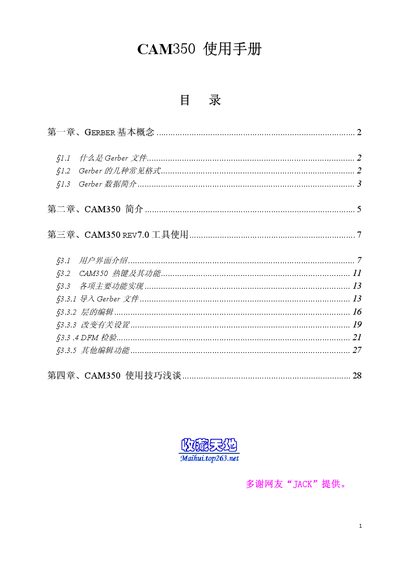
This manual introduces the Gerber file format, its common variants (RS‑274‑D and RS‑274‑X), and how CAM350 processes these files for PCB fabrication. It also describes the software’s capabilities, such as design‑for‑fabrication analysis, panel editing, and NC data generation.
The guide provides detailed instructions for importing Gerber files, configuring layer types, using the various CAM350 editors, and applying practical tips to improve workflow and reduce errors during PCB production. This manual is written in Chinese.
| Units supported | English (inch/mil) and Metric (mm) |
|---|
A Gerber file is a CAD‑CAM data conversion format used as an intermediate medium for PCB manufacturing.
Use File → Import → AutoImport, then click Next to set layer type, format and other options before finishing the import.