
Key facts
- Manuals
- 1
- Languages
- ZH
- Last added
- 2026-11-23
Featured PUY/PUZ manuals
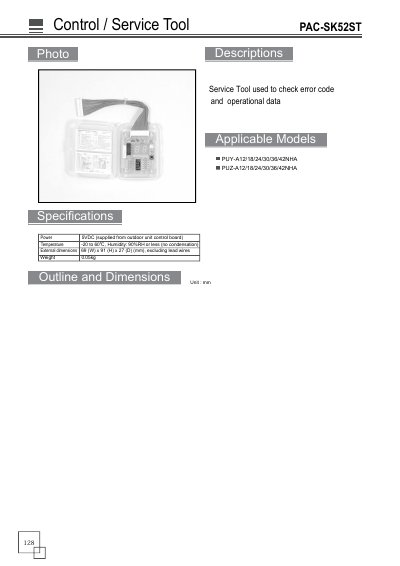
PUY/PUZ PAC-SK52ST Control/Service Tool Service Manual
This service manual explains how to use the PAC-SK52ST control/service tool to monitor and troubleshoot outdoor HVAC units. It details how to interpret digital LED displays and DIP switch settings for operational modes, error codes, and system diagnostics. The tool connects to outdoor controller boards and provides real-time data on temperatures, compressor status, and error history.
Technical specifications include dimensions (69 x 91 x 27 mm), weight (0.05kg), power (5VDC), operating temperature (-20 to 60°C), and humidity (≤90%RH). The manual covers display formats for various parameters including pipe temperatures, compressor current, and error postponement codes. This manual is written in Chinese.
Covers: Outdoor Unit Operation Monitor Function · Digital Indicator LED1 Display · DIP Switch SW2 Settings · Error Code Display and History · Temperature and Pressure Readings · Compressor Operation Data
Latest PUY/PUZ manuals
PUY/PUZ PAC-SK52ST Control/Service Tool Service Manual
Service Manual 10 pages · 270 KB · ZHService manual for PUY/PUZ PAC-SK52ST control tool, detailing error codes, operational data, and DIP switch settings for HVAC units.
Which document do I need?
Service Manual
Disassembly, diagnostics and part numbers, for repair.
Questions answered in PUY/PUZ manuals
How do I interpret the digital indicator LED1?
LED1 displays 2-digit numbers or codes indicating operational conditions or error codes, controlled by DIP switch SW2 settings.
From: PUY/PUZ PAC-SK52ST Control/Service Tool Service Manual
How are temperatures displayed for values below 0°F?
The display alternates between “–” and the temperature value, shown in 0.5-second intervals.
From: PUY/PUZ PAC-SK52ST Control/Service Tool Service Manual