
Key facts
- Manuals
- 1
- Languages
- EN
- Last added
- 2026-11-17
Featured Scan Technology manuals
Scan Technology PCAV PC-Based Driver's License/ID Card Reader User's Guide 2000E-6
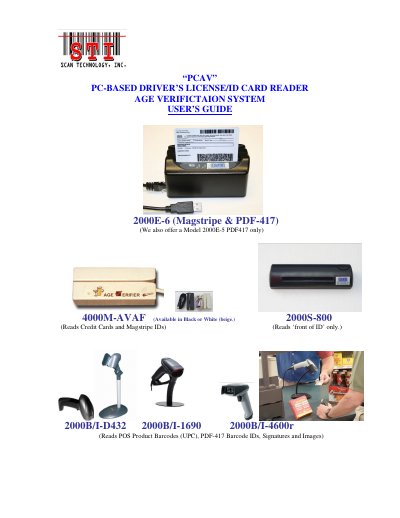
This user guide describes the PCAV PC-based driver's license/ID card reader age verification system from Scan Technology. It covers the resident PCAV.exe Windows program and compatible input scanning devices, including model 2000E-6 (magstripe and PDF-417) and other listed models.
The guide explains program functions such as age verification, ID banning, database and CSV file creation, IDAutoFill setup, serial/USB configuration, and reading magstripe, barcode, or front-of-ID data.
Covers: System Description · PC Program Function · IDAutoFill Program Extension · PC Display Functional Specifications · Installing the Age Verifier PC Program · File Descriptions
Latest Scan Technology manuals
Scan Technology PCAV PC-Based Driver's License/ID Card Reader User's Guide 2000E-6
User Manual 20 pages · 702 KB · ENUser guide for the Scan Technology PCAV PC-based driver's license and ID card reader age verification system.
Which document do I need?
User Manual
Day-to-day operation, settings and troubleshooting. Start here if the product is already set up.
Questions answered in Scan Technology manuals
What does the PCAV program do after reading a driver's license or ID card?
It reads the birth date and expiration date, compares them with the PC clock, controls the display to show age and license validity, and stores records.
From: Scan Technology PCAV PC-Based Driver's License/ID Card Reader User's Guide 2000E-6
How is a banned ID removed from the banned list?
Delete that record from the Banned.txt file in the Scan folder.
From: Scan Technology PCAV PC-Based Driver's License/ID Card Reader User's Guide 2000E-6