
Key facts
- Manuals
- 1
- Languages
- ZH
- Last added
- 2026-11-17
Featured ZA/ZB/ZAH/ZBH manuals
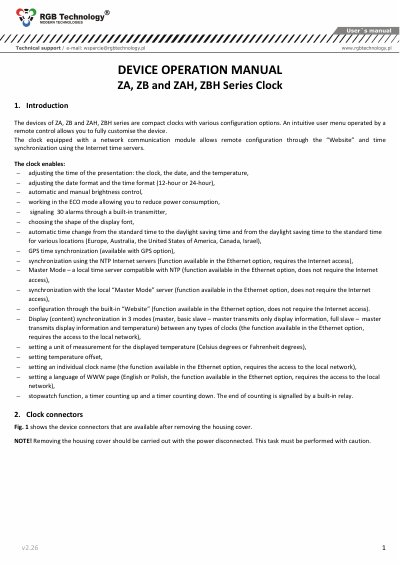
ZA/ZB/ZAH/ZBH Series Clock User Manual
This manual covers operation of ZA/ZB/ZAH/ZBH series compact clocks, including remote control setup, time/date/temperature adjustment, brightness control, alarm settings, and synchronization options via GPS, NTP, or Master Mode. The device supports display synchronization in three modes and can be configured through a built-in website or local network.
Connectors include Ethernet (RJ-45), GPS, thermometer, and power over Ethernet (PoE) ports. Configuration is done via a menu accessed with a remote control, allowing customization of display formats, time zones, daylight saving time, and more. This manual is written in Chinese.
Covers: Device Operation · Clock Connectors · Configuring the Clock Using the Menu · Time and Date Settings · Display Format Configuration · Time Synchronization
Latest ZA/ZB/ZAH/ZBH manuals
ZA/ZB/ZAH/ZBH Series Clock User Manual
User Manual 12 pages · 5.9 MB · ZHUser manual for ZA/ZB/ZAH/ZBH series compact clocks with remote control, network sync, GPS, NTP, and ECO mode.
Which document do I need?
User Manual
Day-to-day operation, settings and troubleshooting. Start here if the product is already set up.
Questions answered in ZA/ZB/ZAH/ZBH manuals
How do I configure the clock using the remote control?
Use the MENU button to enter the user menu, then navigate with ↑, ↓, ←, and → buttons to modify parameters.
What synchronization options are available?
GPS satellite sync, NTP network sync, or Master Mode (local time server).