
Key facts
- Manuals
- 1
- Languages
- EN
- Last added
- 2026-11-17
Featured Sivantos manuals
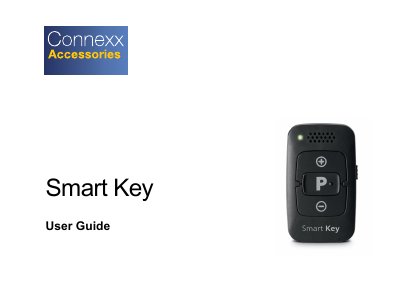
Sivantos Smart Key Hearing Instrument Remote Control User Guide
This user guide describes the Smart Key, a remote control for hearing instruments that works with specific hearing instrument models. It explains the parts of the remote control — status LED, volume buttons, keyring, key lock switch and program change button — and how the key lock prevents accidental operation while the device is carried in a pocket or bag.
The guide walks through pairing the hearing instruments with the remote control, including the three-minute pairing window and the confirmation sound, and covers the function overview, cleaning, battery replacement, troubleshooting and adjusting the signal strength. It also contains safety information, intended use, symbols, operating/transport/storage conditions, disposal and conformance information, and lists Sivantos GmbH as the legal manufacturer.
Covers: Your remote control · Components · Key lock · Pairing hearing instruments · Function overview · Cleaning
Latest Sivantos manuals
Sivantos Smart Key Hearing Instrument Remote Control User Guide
User Manual 36 pages · 1.8 MB · ENUser guide for the Sivantos Smart Key remote control for hearing instruments: components, key lock, pairing, battery replacement, cleaning and safety.
Which document do I need?
User Manual
Day-to-day operation, settings and troubleshooting. Start here if the product is already set up.
Questions answered in Sivantos manuals
How long do I have to pair the hearing instruments with the Smart Key?
You have 3 minutes to complete the pairing once the hearing instruments are in pairing mode.
From: Sivantos Smart Key Hearing Instrument Remote Control User Guide
What happens when the key lock is active?
All buttons on the remote control are disabled, so accidental operation is prevented.
From: Sivantos Smart Key Hearing Instrument Remote Control User Guide