
Key facts
- Manuals
- 1
- Languages
- ZH
- Last added
- 2026-11-17
Featured 云际视界 manuals
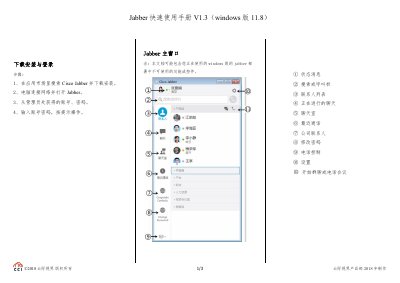
Yunji Shijie Jabber Windows 11.8 Quick Start Guide
This quick start guide for Jabber on Windows was produced by the 云际视界 Product Department in 2018. It covers Cisco Jabber version 11.8 for Windows and notes that some features may not be available in your deployment.
The document describes download and installation, login, the main Jabber window, placing calls, starting group chats and conferences, call controls, chat options, adding contacts, call forwarding, audio settings, and cloud call dialing rules for enterprise tenants. This manual is written in Chinese.
Covers: 下载安装与登录 · Jabber主窗口 · 发起呼叫 · 发起会议/群聊 · 呼叫控制 · 聊天选项
Latest 云际视界 manuals
Yunji Shijie Jabber Windows 11.8 Quick Start Guide
Quick Start Guide 3 pages · 235 KB · ZHYunji Shijie Jabber Windows 11.8 Quick Start Guide explains how to install, log in, make calls, join meetings, chat, and manage contacts on Windows.
Which document do I need?
Quick Start Guide
The shortest path to a working setup, usually only a few pages.
Questions answered in 云际视界 manuals
How do I download and install Cisco Jabber?
Search for Cisco Jabber in the app market, download and install it, connect the computer to the network, open Jabber, and enter the account and password obtained from the administrator.
How do I start a group chat or conference?
Select all contacts to join in the contact list, right-click and choose Start Group Chat, add or remove participants, enter a topic, and click Start.