
Key facts
- Manuals
- 1
- Languages
- EN
- Last added
- 2023-11-29
Featured UWTSD manuals
UWTSD Videoconference TB User Guide
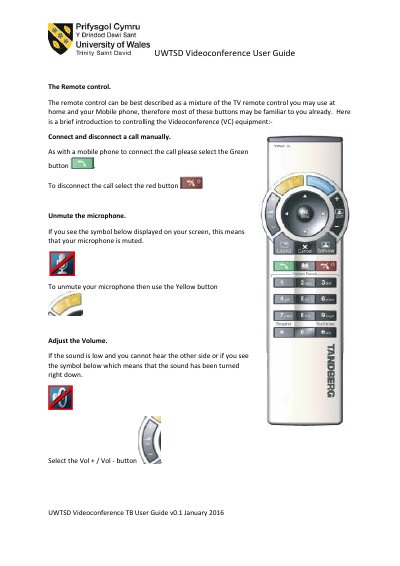
This user guide covers the UWTSD Videoconference TB system and its remote control. It describes how to connect and disconnect calls, mute and unmute the microphone, and adjust the volume during a videoconference.
The guide also explains how to display a laptop presentation, control the camera using arrow keys, and provides a troubleshooting guide for common audio, video, and connection issues, with contact details for the IT Service Desk.
Covers: The Remote control · Connect and disconnect a call manually · Unmute the microphone · Adjust the Volume · Display a presentation via Laptop · Camera control
Latest UWTSD manuals
UWTSD Videoconference TB User Guide
User Manual 3 pages · 133 KB · ENThe UWTSD Videoconference TB User Guide covers remote control use, laptop connections, camera control, and troubleshooting common issues.
Which document do I need?
User Manual
Day-to-day operation, settings and troubleshooting. Start here if the product is already set up.
Questions answered in UWTSD manuals
How do I connect a videoconference call?
Select the Green button on the remote control to connect the call.
How do I unmute the microphone?
Use the Yellow button when the muted symbol is displayed on the screen.