
Key facts
- Manuals
- 1
- Languages
- ID
- Last added
- 2023-11-29
Featured Kemendag manuals
Kemendag SIMPEL Application User Manual
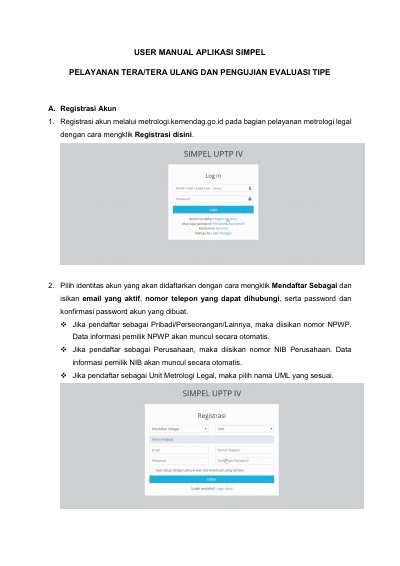
This manual explains how to use the SIMPEL application for metrology legal services, including account registration, owner and device data entry, and service booking.
The documented process covers registering and activating an account, adding UTTP owner and device data, and booking Tera, Tera Ulang, or type evaluation services, including required uploads and device delivery to UPTP IV Direktorat Metrologi Bandung.
Covers: Registrasi Akun · Penambahan Data Pemilik UTTP · Penambahan Data Alat · Booking Layanan
Latest Kemendag manuals
Kemendag SIMPEL Application User Manual
User Manual 10 pages · 1.4 MB · IDUser manual for the SIMPEL application for Tera, Tera Ulang, and type evaluation services.
Which document do I need?
User Manual
Day-to-day operation, settings and troubleshooting. Start here if the product is already set up.
Questions answered in Kemendag manuals
How do I register an account in SIMPEL?
Register through metrologi.kemendag.go.id in the legal metrology service section by clicking Registrasi disini, then complete the form and activate the account via the email link.
What must be uploaded when booking a Tera service?
Upload the Persetujuan Tipe file for the UTTP with the same brand and type, enter the letter number, and select the letter date.