
Key facts
- Manuals
- 1
- Languages
- ES
- Last added
- 2023-11-29
Featured Vunkers Telecom manuals
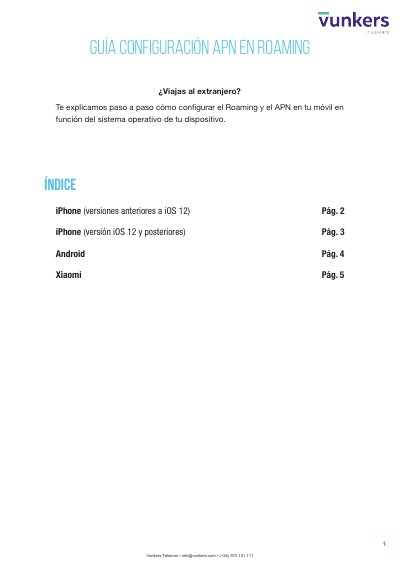
Vunkers Telecom APN Roaming Configuration Guide
This five-page guide from Vunkers Telecom explains, step by step, how to configure roaming and the APN on a mobile phone when travelling abroad, with a separate section for each operating system: iPhone versions before iOS 12, iPhone with iOS 12 and later, Android, and Xiaomi devices (Redmi Note 4).
Each section follows the same three steps: select the "BROKER" roaming mode in the SIM applications, remove automatic network selection and search manually for the network with which Vunkers has an agreement, and then configure the APN. For iPhone the guide offers three options for the APN step (an SMS with a direct install link, the vunkers.com FAQ section, or manual entry), while Android and Xiaomi use manual entry of the name "Vunkers", APN "inet.es", APN type "default", MCC 214 and MNC 05. This manual is written in Spanish.
Covers: Índice · Configuración APN - iPhone (versiones anteriores a iOS 12) · Configuración APN - iPhone (iOS 12 y posteriores) · Configuración APN - Android · Configuración APN - Xiaomi (Redmi Note 4)
Latest Vunkers Telecom manuals
Vunkers Telecom APN Roaming Configuration Guide
User Manual 5 pages · 2.2 MB · ESVunkers Telecom guide to setting up roaming mode BROKER and the APN on iPhone, Android and Xiaomi phones, with the inet.es access point.
Which document do I need?
User Manual
Day-to-day operation, settings and troubleshooting. Start here if the product is already set up.
Questions answered in Vunkers Telecom manuals
What APN values do I enter for Vunkers Telecom?
Enter the name "Vunkers" and the APN "inet.es" in lowercase, with APN type "default", MCC 214 and MNC 05; the username and password fields stay blank on iPhone.
How do I configure the APN on Android?
Open Settings > Mobile networks > "Access Point Names" or "APN", tap the "+" symbol, enter Name "Vunkers" and APN "inet.es", then save.