
Key facts
- Manuals
- 1
- Languages
- EN
- Last added
- 2026-11-16
Featured OTP Bank manuals
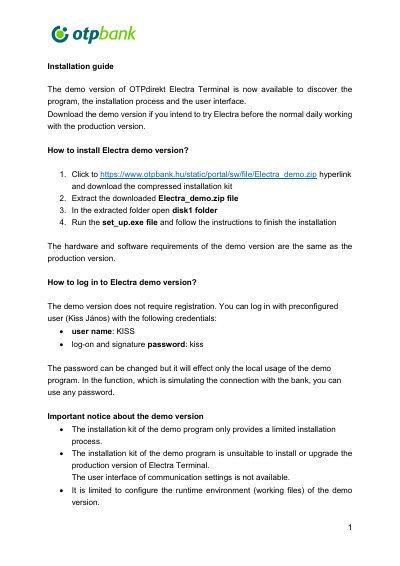
OTP Bank Electra Terminal Demo Version Installation Guide
This installation guide describes how to install and try the demo version of OTP direkt Electra Terminal before working with the production version. It explains how to download the Electra_demo.zip installation kit from the OTP Bank website, extract it, and run set_up.exe from the disk1 folder. The hardware and software requirements of the demo version are the same as those of the production version.
The guide also covers logging in with the preconfigured user KISS (password kiss), notes that the demo does not require registration, and lists important limitations: the demo kit cannot install or upgrade the production version, communication settings are not available, and the connection with the bank is only simulated locally. It mentions that WSTP mode configuration for automated ERP connections is available, and gives the Electra HelpDesk phone number and e-mail address for questions.
Covers: Installation of the Electra demo version · Logging in to the demo version · Demo version limitations · WSTP mode for ERP systems · Electra HelpDesk contact
Latest OTP Bank manuals
OTP Bank Electra Terminal Demo Version Installation Guide
Installation Guide 2 pages · 397 KB · ENInstallation guide for the OTP Bank Electra Terminal demo version, covering download, setup, demo login credentials and the limitations of the demo.
Which document do I need?
Installation Guide
Mounting, wiring and first power-up. Read it before the hardware goes in.
Questions answered in OTP Bank manuals
Do I need to register to use the Electra demo version?
No, the demo version does not require registration. You can log in with the preconfigured user KISS using the log-on and signature password "kiss".
From: OTP Bank Electra Terminal Demo Version Installation Guide
Can the Electra demo version connect to the bank?
No, the demo is unable to establish a connection with the Bank. It works locally on the user's computer and the connection is only simulated.
From: OTP Bank Electra Terminal Demo Version Installation Guide