
Key facts
- Manuals
- 1
- Languages
- EN
- Last added
- 2026-11-16
Featured Granta Design manuals
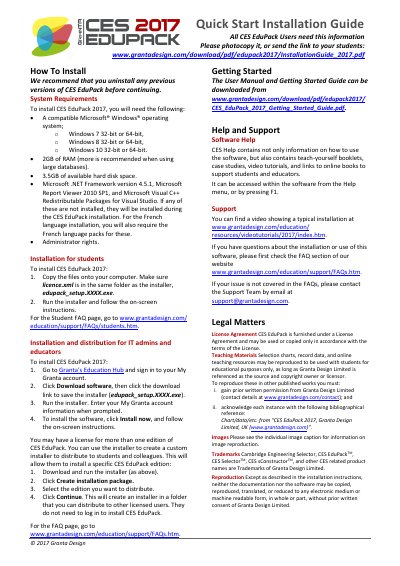
Granta Design CES EduPack 2017 Installation Guide
CES EduPack 2017 is a Granta Design software product. This guide explains how to install it on compatible Windows systems and how to distribute it to students and colleagues.
System requirements include a compatible Microsoft Windows operating system, 2 GB of RAM, 3.5 GB of available hard disk space, and required Microsoft components. The guide also lists support, licensing, and reproduction information.
Covers: System Requirements · Installation for students · Installation and distribution for IT admins and educators · Getting Started · Help and Support · Legal Matters
Latest Granta Design manuals
Granta Design CES EduPack 2017 Installation Guide
Installation Guide 1 pages · 691 KB · ENInstallation guide for Granta Design CES EduPack 2017, covering system requirements, student and IT administrator installation, and support.
Which document do I need?
Installation Guide
Mounting, wiring and first power-up. Read it before the hardware goes in.
Questions answered in Granta Design manuals
What are the system requirements for CES EduPack 2017?
A compatible Microsoft Windows operating system, 2 GB of RAM, 3.5 GB of available hard disk space, required Microsoft components, and administrator rights.
How do students install CES EduPack 2017?
Copy the files onto the computer, make sure licence.xml is in the same folder as the installer, then run the installer and follow the on-screen instructions.