
Key facts
- Manuals
- 1
- Languages
- EN
- Last added
- 2026-11-16
Featured CFMRI manuals
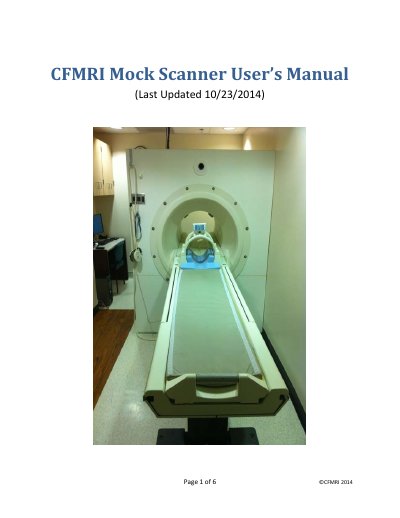
CFMRI Mock Scanner User's Manual
The UCSD Center for functional MRI (CFMRI) provides a mock scanner that simulates the look and feel of a real MRI scanner. It lets research subjects prepare for functional MRI scans before entering the real scanner and helps scan operators become familiar with setup for studies at the 3T scanners. This manual gives basic operating instructions and notes that it does not replace the mandatory hands-on training for all mock scanner operators.
The step-by-step instructions cover turning on POWER, using the FAN and motion-tracking switches, positioning the subject on the table and in the bird cage coil, providing the patient alarm, moving the table to the isocenter, setting up the projector and screen, logging in to the computer, using Scanner Sound Simulator and MoTrak, and ending the session.
Covers: Step-by-step Instructions · Notes: Attach the motion sensor · Scanner Sound Simulator · MoTrak · Basic Controls · Getting Started
Latest CFMRI manuals
CFMRI Mock Scanner User's Manual
User Manual 6 pages · 286 KB · ENUser manual for the CFMRI Mock Scanner covering power-up, subject positioning, projector setup, computer login, motion tracking, and MRI sound simulation.
Which document do I need?
User Manual
Day-to-day operation, settings and troubleshooting. Start here if the product is already set up.
Questions answered in CFMRI manuals
What does the CFMRI mock scanner simulate?
It simulates the look and feel of a real MRI scanner.
How do I start motion tracking in MoTrak?
Load MoTrak from the desktop and click the Run button to start tracking; you can choose to save the data to a file.