
Key facts
- Manuals
- 1
- Languages
- EN
- Last added
- 2026-11-16
Featured Apartment manuals
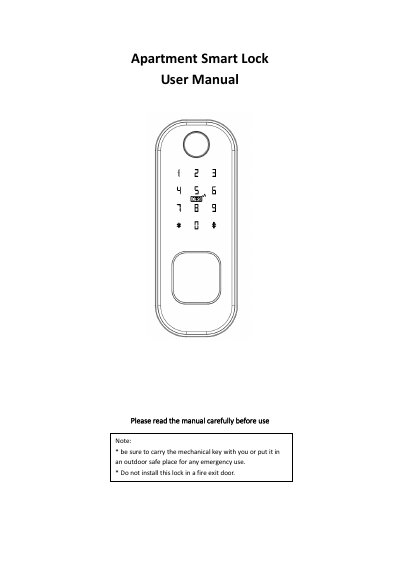
Apartment Smart Lock User Manual
This user manual describes the Apartment Smart Lock, a door lock with a 12-digit keypad, fingerprint scanner, IC card reader, mechanical key, and mobile app control. It covers installation of the front panel, lock cylinder, rim mortise, and buckle plate, plus function tests after installation.
The manual explains factory initial status, administrator password reset, adding passwords, fingerprints, and IC cards, TTLOCK app registration and ekey management, gateway setup, other keypad functions, technical parameters, and warranty terms.
Covers: Before installation · Installation diagram · Buckle installation · Function and operation · Set / modify / delete password · Add / delete fingerprint
Latest Apartment manuals
Apartment Smart Lock User Manual
User Manual 11 pages · 1.1 MB · ENUser manual for the Apartment Smart Lock: installation, keypad and TTLOCK app setup, passwords, fingerprints, IC cards, gateway, specs, and warranty.
Which document do I need?
User Manual
Day-to-day operation, settings and troubleshooting. Start here if the product is already set up.
Questions answered in Apartment manuals
What is the factory initial administrator password?
The factory initial administrator password is 123456; the manual says to change it before use.
Which app should English-version users use?
The manual says English-version users should use the TTLOCK APP, downloadable through the QR code or an app store.