
Key facts
- Manuals
- 1
- Languages
- EN
- Last added
- 2023-11-24
Featured W9 manuals
W9 Barcode Scanner User Manual
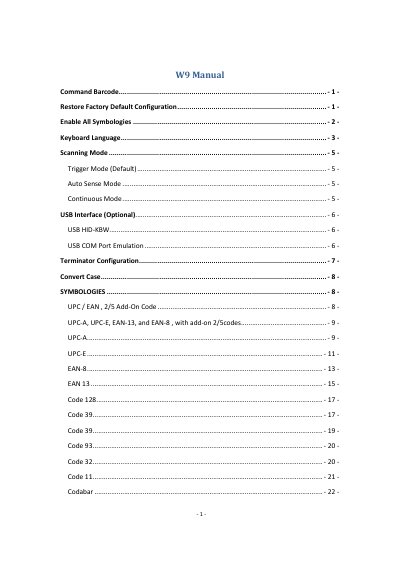
The W9 barcode scanner user manual explains how to configure the scanner by scanning command barcodes. It covers entering and exiting setup mode, restoring factory defaults, enabling all symbologies, selecting the keyboard language, and choosing trigger, auto sense, or continuous scanning modes.
The manual also documents USB interface options, terminator and case conversion settings, supported symbologies, decoding length configuration, AIM ID prefixes, function key mapping, custom prefixes and suffixes for individual barcode types, and an ASCII code table.
Covers: Command Barcode · Restore Factory Default Configuration · Enable All Symbologies · Keyboard Language · Scanning Mode · USB Interface
Latest W9 manuals
W9 Barcode Scanner User Manual
User Manual 112 pages · 1.1 MB · ENW9 barcode scanner user manual covering command barcodes, scanning modes, USB interfaces, symbologies, decoding lengths, prefixes, and suffixes.
Which document do I need?
User Manual
Day-to-day operation, settings and troubleshooting. Start here if the product is already set up.
Questions answered in W9 manuals
How do you enter and exit configuration mode on the W9 barcode scanner?
Scan the Enter Setup code to enter setup mode, then scan the Exit Setup code to leave it.
What happens when Enable All Symbologies is turned on?
The scanner will not be able to read any non-programming barcodes except the programming barcodes.