
Key facts
- Manuals
- 1
- Languages
- EN
- Last added
- 2023-11-16
Featured FiatECUScan manuals
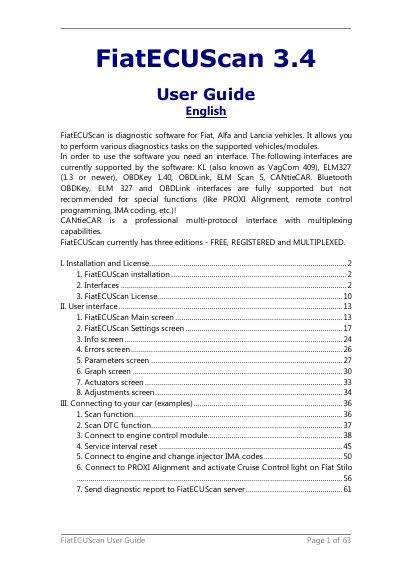
FiatECUScan 3.4 Diagnostic Software User Guide
FiatECUScan 3.4 is diagnostic software for Fiat, Alfa and Lancia vehicles. It allows various diagnostics tasks on supported vehicles and modules, and requires an interface to connect a computer to the vehicle OBD port.
The guide covers installation and licensing, supported interfaces and their setup, the user interface screens, and example connection procedures such as scanning, service interval reset, injector IMA coding, PROXI Alignment, and sending a diagnostic report.
Covers: I. Installation and License · 1. FiatECUScan installation · 2. Interfaces · 3. FiatECUScan License · II. User interface · 1. FiatECUScan Main screen
Latest FiatECUScan manuals
FiatECUScan 3.4 Diagnostic Software User Guide
User Manual 63 pages · 5.2 MB · ENFiatECUScan 3.4 is diagnostic software for Fiat, Alfa and Lancia vehicles, with installation, interface and licensing instructions.
Which document do I need?
User Manual
Day-to-day operation, settings and troubleshooting. Start here if the product is already set up.
Questions answered in FiatECUScan manuals
What operating systems does FiatECUScan support?
FiatECUScan works on Windows XP, Windows Vista and Windows 7, in both 32-bit and 64-bit versions.
Which diagnostic interfaces does FiatECUScan support?
It supports KL/VagCom 409, ELM327, OBDKey, OBDLink, ELM Scan 5 and CANtieCAR interfaces.