
Key facts
- Manuals
- 1
- Languages
- EN
- Last added
- 2023-11-16
Featured Student Blue manuals
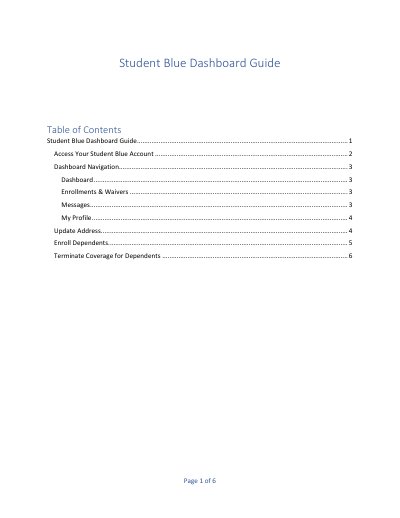
Student Blue Student Health Insurance Dashboard Guide
This six-page guide explains how students use the Student Blue dashboard tied to their university login page. It covers requesting a passcode by university email, signing in with the passcode and date of birth, and what the dashboard shows, including messages about enrollment, the subscriber ID number and the actions currently available.
The guide then walks through My Profile settings, updating the address provided by the university, enrolling dependents with payment and signature steps, and terminating dependent coverage. Several actions are limited to the group's open enrollment period or the first 30 days of coverage, and the guide directs students to customer service on the back of the insurance ID card or in the upper right corner of the dashboard outside those periods.
Covers: Access Your Student Blue Account · Dashboard Navigation · Enrollments & Waivers · Messages · My Profile · Update Address
Latest Student Blue manuals
Student Blue Student Health Insurance Dashboard Guide
Other 6 pages · 413 KB · ENGuide to the Student Blue dashboard: logging in with a passcode, navigation, and updating your address, dependents and coverage.
Questions answered in Student Blue manuals
How do I access my Student Blue account?
On your university's Student Blue login page, request a passcode using your university email address, then enter the passcode from the email and your date of birth and select Login.
How do I update my address on the Student Blue dashboard?
Select Edit Address, make the changes to the address shown, and select Save Changes. This option is only available during open enrollment or within 30 days of your first day of coverage.