
Key facts
- Manuals
- 1
- Languages
- ZH
- Last added
- 2023-11-08
Featured iColorLED manuals
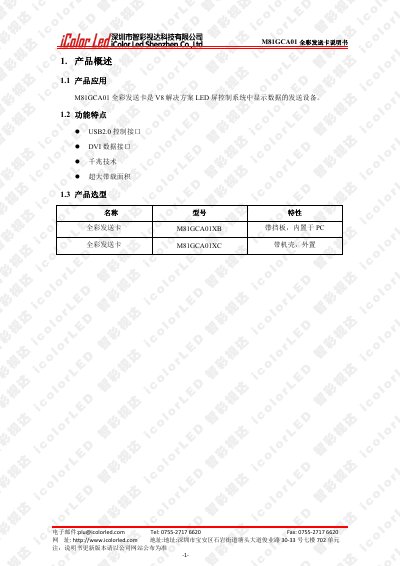
iColorLED M81GCA01 Full Color Sending Card Manual
The iColorLED M81GCA01 is a full color sending card used as the display data sending device in the V8 solution LED screen control system. It is available as M81GCA01XB, with a bracket for installation inside a PC, and M81GCA01XC, with an enclosure for external use.
The manual describes the product appearance, interface definitions, indicator lights, performance and electrical parameters, dimension drawings, and precautions for working environment, transportation, and storage. Interfaces include DVI input, USB control, two Gigabit Ethernet outputs, and model-specific power connections. This manual is written in Chinese.
Covers: Product overview · Product appearance · Interface definition · Indicator light description · Performance parameters · Electrical parameters
Latest iColorLED manuals
iColorLED M81GCA01 Full Color Sending Card Manual
User Manual 10 pages · 961 KB · ZHManual for the iColorLED M81GCA01 full color sending card, covering appearance, interfaces, indicators, specifications, dimensions, and precautions.
Which document do I need?
User Manual
Day-to-day operation, settings and troubleshooting. Start here if the product is already set up.
Questions answered in iColorLED manuals
Which M81GCA01 models are available?
M81GCA01XB has a bracket and is built into a PC, while M81GCA01XC has an enclosure and is used externally.
What do the indicator lights show?
POWER is green and stays on when power is connected correctly; STATE is green and blinks with DVI input or stays on without it; ERROR is red and blinks or stays on for DVI or firmware faults.