
Key facts
- Manuals
- 1
- Languages
- EN
- Last added
- 2023-11-07
Featured CodeCorp manuals
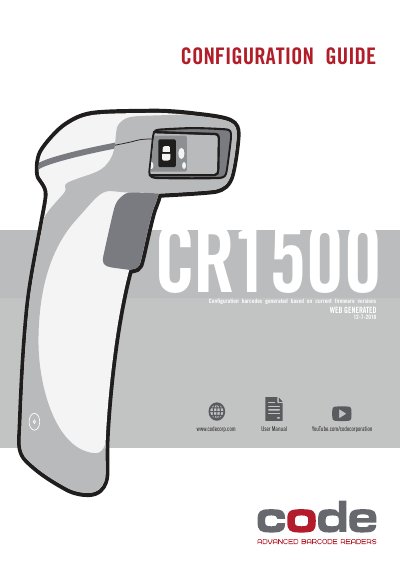
CodeCorp CR1500 Barcode Scanner Configuration Guide User Manual
CodeCorp CR1500 is a barcode scanner. This web-generated user manual serves as a configuration guide, using configuration barcodes generated based on current firmware versions 12-7-2018. The table of contents organizes settings for general reading modes, continuous scan and motion detection, cell phone reading enhancement, target LED behavior, beep and vibrate options, targeting, and beep volume.
Settings listed in the document cover data formatting prefixes and suffixes, symbology enable/disable options, UPC/EAN and other barcode types, and keyboard language settings. Many entries indicate a default choice.
Covers: General Reading Mode Settings · Continuous Scan Mode · Motion Detection · Cell Phone Reading Enhancement · Target LED During Image Capture · Beep Volume
Latest CodeCorp manuals
CodeCorp CR1500 Barcode Scanner Configuration Guide User Manual
User Manual 24 pages · 5.1 MB · ENConfiguration guide for the CodeCorp CR1500 barcode scanner, with barcode settings for reading modes, data formatting, symbologies, and keyboard language.
Which document do I need?
User Manual
Day-to-day operation, settings and troubleshooting. Start here if the product is already set up.
Questions answered in CodeCorp manuals
Is cell phone reading enhancement enabled by default?
No, cell phone reading enhancement is disabled by default.
From: CodeCorp CR1500 Barcode Scanner Configuration Guide User Manual
What is the default beep volume?
The default beep volume is 100%.
From: CodeCorp CR1500 Barcode Scanner Configuration Guide User Manual