
Key facts
- Manuals
- 1
- Languages
- ZH
- Last added
- 2023-11-03
Featured 优策 manuals
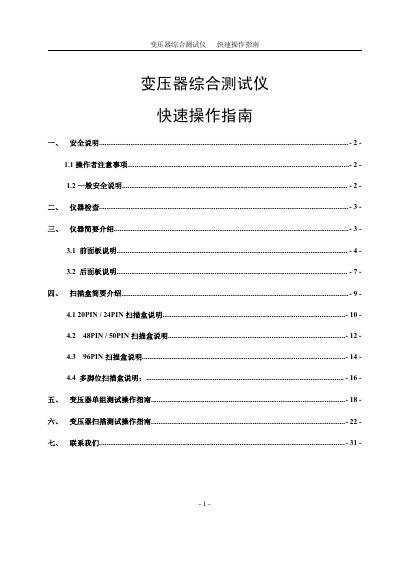
Youce UC283X/UC285X/UC286X/UC2866/UC2867/UC2878 Transformer Comprehensive Tester Quick Operation Guide
This quick operation guide covers the Youce UC283X, UC285X, UC286X, UC2867, UC2866 and UC2878 transformer comprehensive testers. It starts with operator and general safety notes, then explains how to check the instrument on receipt and introduces the front and rear panels, including the 800×480 7-inch LCD, function keys, test terminals and interfaces such as RS-232, HANDLER, GPIB, USB, LAN and SCANNER.
The guide then describes the transformer scan boxes used with the different host models — 20PIN, 24PIN, 48PIN, 50PIN, 96PIN and a multi-pin version supporting up to 216 pins — and gives operating procedures for transformer single-group tests and scan tests, covering triggering, aborting, pass/fail indication, deviation subtraction, user calibration and file operations. This manual is written in Chinese.
Covers: Safety Instructions · Instrument Check · Front Panel Description · Rear Panel Description · Scan Box Overview · 20PIN/24PIN Scan Box Description
Latest 优策 manuals
Youce UC283X/UC285X/UC286X/UC2866/UC2867/UC2878 Transformer Comprehensive Tester Quick Operation Guide
Quick Start Guide 31 pages · 1.9 MB · ZHQuick operation guide for Youce UC283X/UC285X/UC286X/UC2867/UC2866/UC2878 transformer testers, covering safety, panels, scan boxes and test steps.
Which document do I need?
Quick Start Guide
The shortest path to a working setup, usually only a few pages.
Questions answered in 优策 manuals
Which scan box matches my instrument?
The host model must be matched with its corresponding transformer scan box. Different types of instrument hosts and scan boxes cannot be interconnected, otherwise the instrument and scan box will be damaged.
How do I stop a scan test?
Press the [RESET] key on the panel; the scan test stops immediately.