
Key facts
- Manuals
- 1
- Languages
- EN
- Last added
- 2023-11-02
Featured Citi manuals
Citi CitiDirect BE US EDI Report User Guide
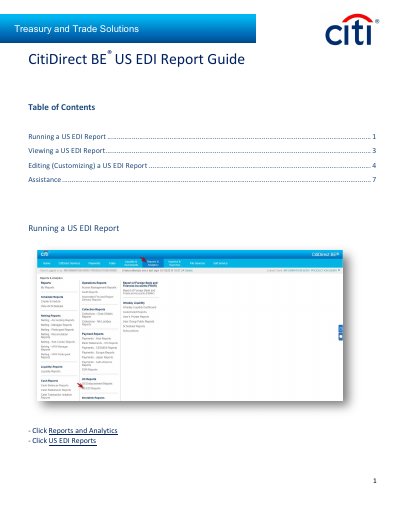
This guide explains how to run, view, and edit (customize) US EDI reports in CitiDirect BE. It covers selecting a report, waiting for the Running status to change to Available, opening the report output, editing fields, and using Run, Save & Run, Save, Schedule, and Reset to Defaults.
The document also includes sample US Enhanced Electronic Data Interchange Report pages and an Assistance section with the CitiDirect BE Help Desk phone number.
Covers: Running a US EDI Report · Viewing a US EDI Report · Editing (Customizing) a US EDI Report · Generate Reports · View Available Reports · Report Criteria
Latest Citi manuals
Citi CitiDirect BE US EDI Report User Guide
User Manual 7 pages · 1.3 MB · ENGuide for running, viewing, and customizing US EDI reports in CitiDirect BE, including report status, output icons, scheduling, and reset defaults.
Which document do I need?
User Manual
Day-to-day operation, settings and troubleshooting. Start here if the product is already set up.
Questions answered in Citi manuals
How do I run a US EDI report in CitiDirect BE?
Put a check mark in the box next to the report you wish to run, then click the Run button.
How do I open a US EDI report when it is available?
Open the report by clicking on the output icon when the report status changes to Available.