
Key facts
- Manuals
- 1
- Languages
- ZH
- Last added
- 2023-10-30
Featured 萌宠系列 manuals
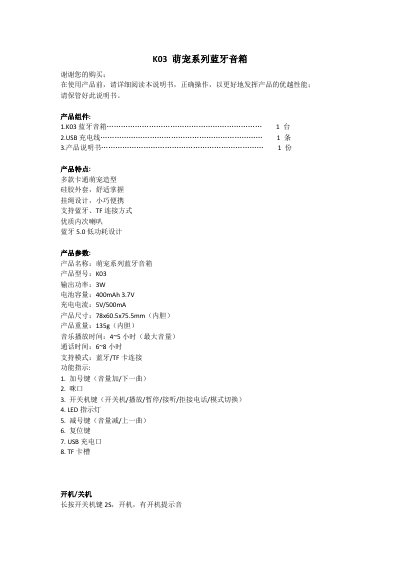
Mengchong Series K03 Bluetooth Speaker User Manual
This is the user manual for the Mengchong Series K03 Bluetooth speaker, a portable speaker with a silicone jacket and a lanyard, offered in several cartoon pet designs. The document lists the package contents, product features and product parameters, then explains the function of each button and port: plus and minus keys, microphone, power key, LED indicator, reset key, USB charging port and TF card slot.
The manual then gives the operating steps: long-press the power key for 2 seconds to switch on or off, double-click it to change between Bluetooth and TF card mode, pairing with a phone or computer under the name "K03", MP3 playback from a TF card up to 32G, music and call control, and charging at 5V/500mA with the red LED lit while charging. It closes with charging notes, a list of precautions and an FCC caution statement. This manual is written in Chinese.
Covers: Product Components · Product Features · Product Parameters · Function Buttons · Bluetooth / TF Card Mode Switch · Bluetooth Connection
Latest 萌宠系列 manuals
Mengchong Series K03 Bluetooth Speaker User Manual
User Manual 9 pages · 144 KB · ZHUser manual for the Mengchong Series K03 portable Bluetooth speaker: Bluetooth pairing, TF card playback, buttons, charging and precautions.
Which document do I need?
User Manual
Day-to-day operation, settings and troubleshooting. Start here if the product is already set up.
Questions answered in 萌宠系列 manuals
How do I pair the K03 speaker with my phone?
After powering on, the speaker enters Bluetooth pairing mode with the white LED flashing; search for the Bluetooth speaker named "K03" on your phone or computer and tap to connect. A beep sounds and the white LED stays lit when pairing succeeds.
How do I switch between Bluetooth and TF card mode?
When a TF card is inserted the speaker switches to TF card mode automatically, and a double-click of the power key switches it to Bluetooth mode.