
Key facts
- Manuals
- 1
- Languages
- ZH
- Last added
- 2023-10-30
Featured 智·享未来 manuals
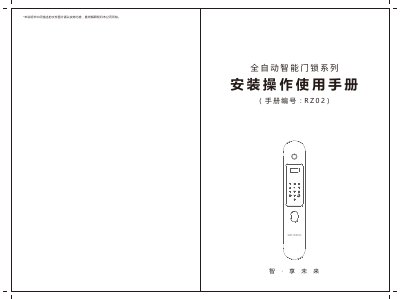
Zhi Xiang Wei Lai RZ02 Full Automatic Smart Door Lock Series Installation and Operation Manual
This manual is for the Zhi Xiang Wei Lai RZ02 full automatic smart door lock series. It explains fingerprint, card, password and temporary APP password unlocking, user management, system settings, low-voltage warning, alarm lock and normally-open setting.
The document also lists technical parameters and includes sections for installation instructions, daily maintenance, common problem troubleshooting and after-sales warranty information. This manual is written in Chinese.
Covers: Function Features · Technical Parameters · Key Layout · Initialization · Unlocking Direction · Administrator/User Settings
Latest 智·享未来 manuals
Zhi Xiang Wei Lai RZ02 Full Automatic Smart Door Lock Series Installation and Operation Manual
User Manual 14 pages · 3.1 MB · ZHInstallation and operation manual for the Zhi Xiang Wei Lai RZ02 full automatic smart door lock series, covering features, specifications, settings and…
Which document do I need?
User Manual
Day-to-day operation, settings and troubleshooting. Start here if the product is already set up.
Questions answered in 智·享未来 manuals
How do I initialize the door lock?
Open the rear panel battery cover and press the SET button for 5 seconds; the voice will confirm successful initialization.
From: Zhi Xiang Wei Lai RZ02 Full Automatic Smart Door Lock Series Installation and Operation Manual
What is the default administrator password?
The system default unlocking administrator password is 123456.
From: Zhi Xiang Wei Lai RZ02 Full Automatic Smart Door Lock Series Installation and Operation Manual