
Key facts
- Manuals
- 1
- Languages
- ZH
- Last added
- 2023-10-29
Featured 智嵌 manuals
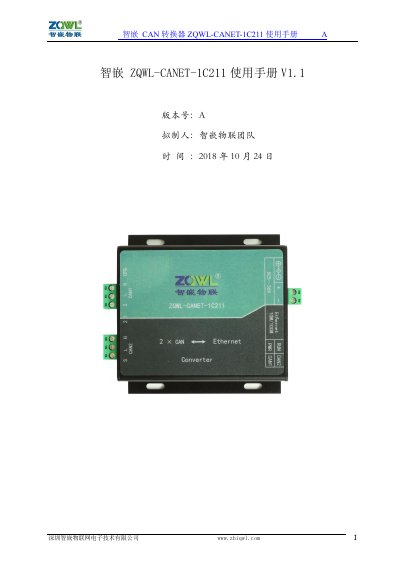
Zhiqwl ZQWL-CANET-1C211 CAN Converter User Manual
This manual provides step-by-step instructions for setting up and configuring the ZQWL-CANET-1C211 CAN converter. It covers hardware connections, default settings, parameter configuration via software or web interface, and troubleshooting common issues. The device supports dual CAN interfaces with configurable baud rates and Ethernet connectivity with TCP/UDP modes. It includes features like IP configuration, DNS support, and CAN filtering.
The manual also details hardware specifications, indicator lights, terminal resistors, and operational parameters such as temperature range and data buffering. Users can configure the device using provided software or through a web interface, with options for firmware upgrades and reset functions. This manual is written in Chinese.
Covers: Product Quick Start · Features Overview · Hardware Interface · Parameter Configuration · CAN to Network Data Conversion · Troubleshooting
Latest 智嵌 manuals
Zhiqwl ZQWL-CANET-1C211 CAN Converter User Manual
User Manual 20 pages · 2 MB · ZHUser manual for Zhiqwl's ZQWL-CANET-1C211 CAN-to-Ethernet converter with configuration and troubleshooting guides.
Which document do I need?
User Manual
Day-to-day operation, settings and troubleshooting. Start here if the product is already set up.
Questions answered in 智嵌 manuals
What is the CAN data conversion speed at 1000kbps?
Conversion speed reaches over 8000 extended frames per second for both CAN channels simultaneously.
How do I reset the device to factory defaults?
Press and hold the 'CFG' button for more than 5 seconds, or use the software's 'Reset to Factory' option.