
Key facts
- Manuals
- 1
- Languages
- ZH
- Last added
- 2023-10-29
Featured TX6625 CAN 总线集线器 manuals
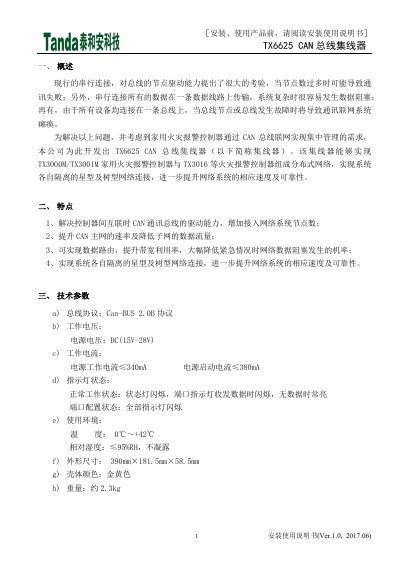
TX6625 CAN Bus Hub Installation Guide
This guide explains how to install and configure the TX6625 CAN bus hub for use with home fire alarm controllers. It covers wiring diagrams, port configurations, and software setup using TX6816 configuration software. The hub supports star and tree network topologies, with each port managing 8 devices and a maximum network distance of 3 km at 10 kbps.
Technical specifications include CAN 2.0B protocol, DC 15-28V power, 340mA operating current, and dimensions of 390mm × 181.5mm × 58.5mm. The device is designed to improve network reliability and reduce data blocking in large-scale CAN networks. This manual is written in Chinese.
Covers: Overview · Features · Technical Parameters · Structure and Working Principle · Installation and Wiring · Usage and Operation
Latest TX6625 CAN 总线集线器 manuals
TX6625 CAN Bus Hub Installation Guide
Installation Guide 6 pages · 636 KB · ZHInstallation and operation guide for the TX6625 CAN bus hub, including wiring, configuration, and technical specs.
Which document do I need?
Installation Guide
Mounting, wiring and first power-up. Read it before the hardware goes in.
Questions answered in TX6625 CAN 总线集线器 manuals
What is the maximum network distance supported by the TX6625?
The maximum network distance is 3 km at 10 kbps, with a 120 ohm terminator required on the last device.
What software is required to configure the TX6625?
The TX6816 Fire Control Room Graphic Monitoring System Configuration Software is required to configure the device.