
Key facts
- Manuals
- 1
- Languages
- PT
- Last added
- 2026-11-08
Featured Britânia manuals
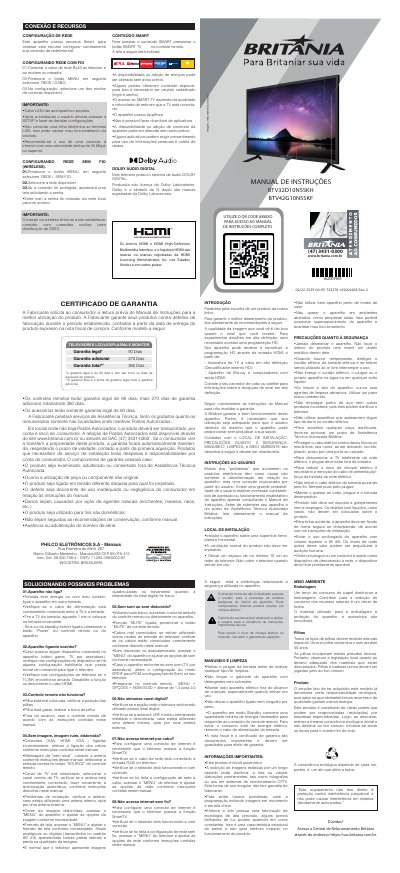
Britânia BTV32D10N5SKH/BTV42G10N5SKF TV User Manual
This manual provides operating instructions for Britânia LED TV models BTV32D10N5SKH and BTV42G10N5SKF. It includes safety warnings, cleaning guidelines, environmental information, installation requirements, and precautions for electrical safety.
The document also details wired and wireless network configuration for smart TV features, describes the smart content platform and Dolby Digital audio, and contains the warranty certificate with coverage terms and a troubleshooting guide for common issues such as power, remote control, and picture problems. This manual is written in Portuguese.
Covers: MANUSEIO E LIMPEZA · INFORMAÇÕES IMPORTANTES · MEIO AMBIENTE · INTRODUÇÃO · LOCAL DE INSTALAÇÃO · PRECAUÇÕES QUANTO À SEGURANÇA
Latest Britânia manuals
Britânia BTV32D10N5SKH/BTV42G10N5SKF TV User Manual
User Manual 2 pages · 1.6 MB · PTUser manual for Britânia BTV32D10N5SKH and BTV42G10N5SKF smart TVs covering safety, installation, network setup, smart features, warranty, and troubleshooting.
Which document do I need?
User Manual
Day-to-day operation, settings and troubleshooting. Start here if the product is already set up.
Questions answered in Britânia manuals
What should I do if the TV does not turn on?
Check if the outlet has power or poor contact, try another outlet. Verify the power cable is correctly connected between TV and outlet. Unplug the TV, wait 1 minute, and plug it back in. If standby light is on, press the Power button on remote or TV.
Why does the TV turn on by itself?
Check if any connected device (game console, cable TV) has a setting enabled that sends a power-on command. Check if T-LINK is activated in TV settings; disable it or disconnect the HDMI cable.