
Key facts
- Manuals
- 1
- Languages
- EN
- Last added
- 2023-10-27
Featured eSTREAM manuals
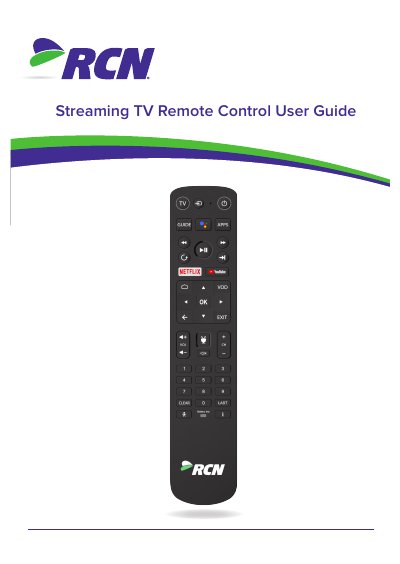
eSTREAM 4K Control Remote Control User Guide
This manual provides instructions for the eSTREAM 4K Control remote control, covering battery installation, key functions, and safety precautions. It details how to operate the remote to control both the Streaming TV Box (STB) and a connected television.
Covers: Inserting batteries · Remote control layout · Controlling the TV: Brand Search · Controlling the TV: Auto Search · Controlling the STB: manual pairing · Controlling the STB: auto pairing
Latest eSTREAM manuals
eSTREAM 4K Control Remote Control User Guide
User Manual 7 pages · 817 KB · ENThis user guide explains how to insert batteries, pair the remote control with a Streaming TV Box (STB), and program TV brand codes or use auto-search for…
Which document do I need?
User Manual
Day-to-day operation, settings and troubleshooting. Start here if the product is already set up.
Questions answered in eSTREAM manuals
How do I switch the remote to infra-red (IR) mode for TV brand search?
Press HOME and 1 for at least three seconds until the TV key flashes twice.
What is the default TV brand code for this remote?
The default brand code is 1150, which is for Samsung.