
Key facts
- Manuals
- 1
- Languages
- EN
- Last added
- 2023-10-27
Featured forScore manuals
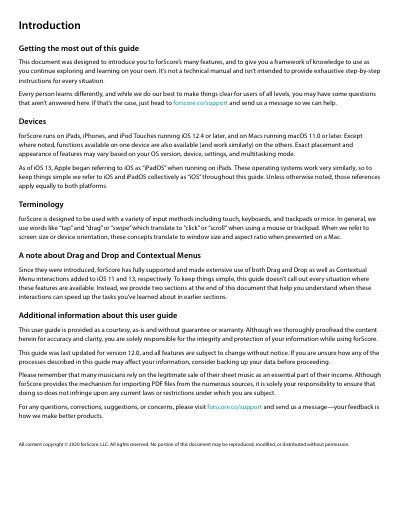
forScore User Guide
This guide introduces forScore’s core features for viewing and managing sheet music on iOS and macOS devices. It covers basic navigation, zooming, display options, and importing files via drag-and-drop, cloud services, or scanning. The guide also explains how to organize scores, use bookmarks, and delete or recover files. It’s designed to help users explore the app independently, with references to support for deeper questions.
Covers: Introduction · Basics · Adding Files · Copying Files to forScore · Services · Scan
Latest forScore manuals
forScore User Guide
User Manual 37 pages · 3.1 MB · ENLearn how to use forScore on iOS and macOS with this user guide covering importing, viewing, and managing sheet music.
Which document do I need?
User Manual
Day-to-day operation, settings and troubleshooting. Start here if the product is already set up.
Questions answered in forScore manuals
What devices are compatible with forScore?
forScore runs on iPads, iPhones, and iPod Touches running iOS 12.4 or later, and on Macs running macOS 11.0 or later.
From: forScore User Guide
What file formats can be added to the forScore library?
You can add PDF files and text files such as TXT, RTF, DOC, or DOCX, which are automatically converted to PDFs.
From: forScore User Guide