
Key facts
- Manuals
- 1
- Languages
- EN
- Last added
- 2023-10-27
Featured Lancaster Water Group manuals
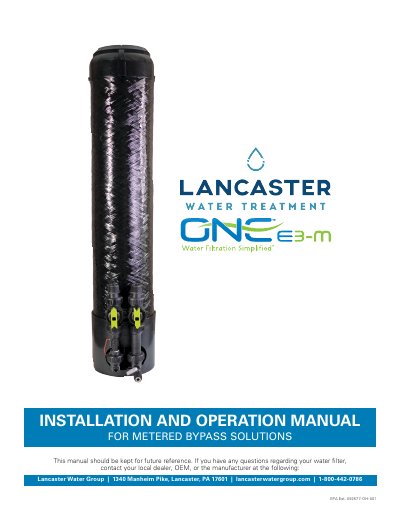
Lancaster Water Group ONE-E3-M Water Treatment System Installation and Operation Manual
This manual provides step-by-step instructions for installing and operating the ONE-E3-M water treatment system. It includes details on plumbing connections, filter cartridge installation, depressurization procedures, and LED-based filter replacement notifications. The system requires 1" MNPT threaded connections and must be installed before the main water line connects to the water heater. The manual also covers maintenance, including resetting the meter and replacing cartridges without tools.
Covers: Installation Instructions · Filter Cartridge Installation · Depressurization Procedure · LED Replacement Notifications · Parts Identification · Maintenance and Troubleshooting
Latest Lancaster Water Group manuals
Lancaster Water Group ONE-E3-M Water Treatment System Installation and Operation Manual
Installation Guide 12 pages · 6.5 MB · ENInstallation and operation guide for Lancaster Water Group's ONE-E3-M metered bypass water filtration system.
Which document do I need?
Installation Guide
Mounting, wiring and first power-up. Read it before the hardware goes in.
Questions answered in Lancaster Water Group manuals
Where should I install the water treatment system?
Install before the main water line connects to the water heater, near where it connects to your home, allowing 3 feet of open space above for replacement cartridges.
From: Lancaster Water Group ONE-E3-M Water Treatment System Installation and Operation Manual
How do I reset the meter after replacing the filter?
Push and hold the reset button on the metered board for 3 seconds. The LED lights will flash green 3 times to confirm reset.
From: Lancaster Water Group ONE-E3-M Water Treatment System Installation and Operation Manual