
Key facts
- Manuals
- 1
- Languages
- EN
- Last added
- 2023-10-26
Featured Qualtrics manuals
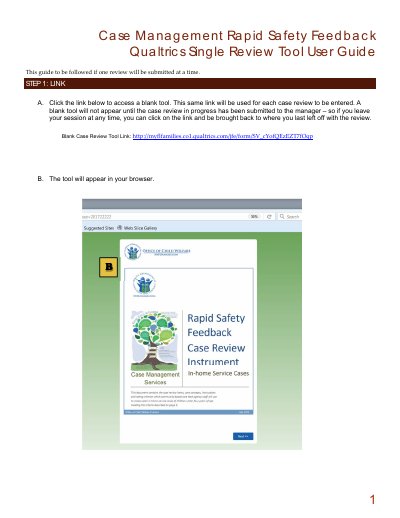
Qualtrics Single Review Tool User Guide
This guide explains how to use the Qualtrics Single Review Tool for case management rapid safety feedback. It covers opening the tool link, completing the survey review tool, selecting the manager who will review the case, and submitting the case review.
The guide also describes the manager's final review process, including email notification, reviewing and changing items, entering comments, signing with the computer mouse, and confirming completion. Helpful hints cover browser preference and saving or resuming work.
Covers: Case Management Rapid Safety Feedback · Step 1: Link · Step 2: Completing the Survey Review Tool · Table of Contents · Notes Box and RFA · Manager Selection and Case Review Summary
Latest Qualtrics manuals
Qualtrics Single Review Tool User Guide
User Manual 12 pages · 1.1 MB · ENGuide to using the Qualtrics Single Review Tool for case reviews, manager selection, submission, and manager final review.
Which document do I need?
User Manual
Day-to-day operation, settings and troubleshooting. Start here if the product is already set up.
Questions answered in Qualtrics manuals
How do I resume a case review I left before submitting?
Click the survey link again; you will be redirected to the page where you left off. A blank tool will not appear until the current review is submitted.
Can I change responses in the case review summary?
No. Changes cannot be made in the case review summary; use the Back button or Table of Contents to return to the review tool.