
Key facts
- Manuals
- 1
- Languages
- EN
- Last added
- 2023-10-26
Featured TeleVoIPs manuals
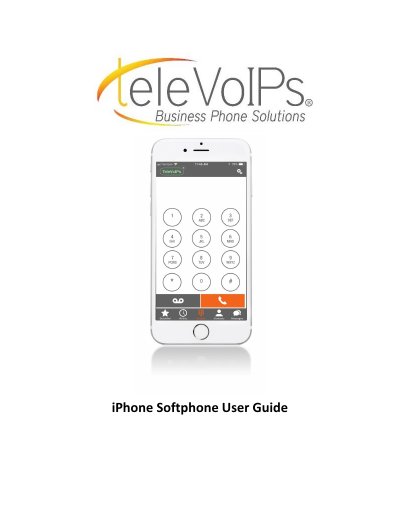
TeleVoIPs iPhone Softphone User Guide
This guide explains how to use the TeleVoIPs iPhone SoftPhone application. It walks through the dialer screen, the Do Not Disturb (DND) feature, settings and push notifications, preferences such as ringtones and sound, call recording, contact sort order, updating the password and resetting the application.
The guide also covers features used while on a call, including transfer, park, RingMe and quickdial entries, plus voicemail, call history, contacts and text messaging through the business number.
Covers: Dialer Screen · Do Not Disturb (DND) · Settings · Push Notifications · Preferences · Ringtones
Latest TeleVoIPs manuals
TeleVoIPs iPhone Softphone User Guide
User Manual 31 pages · 2.7 MB · ENUser guide for the TeleVoIPs iPhone SoftPhone app covering the dialer screen, DND, settings, ringtones, call handling, voicemail, history, contacts and…
Which document do I need?
User Manual
Day-to-day operation, settings and troubleshooting. Start here if the product is already set up.
Questions answered in TeleVoIPs manuals
What does the color of the TeleVoIPs icon mean?
Green means notifications are on, red means disconnected, and white means connected but incoming calls are turned off.
How do I turn on Do Not Disturb?
Press the TeleVoIPs icon, slide the Do Not Disturb toggle to the right, then press Close.