
Key facts
- Manuals
- 1
- Languages
- EN
- Last added
- 2023-10-17
Featured Alero manuals
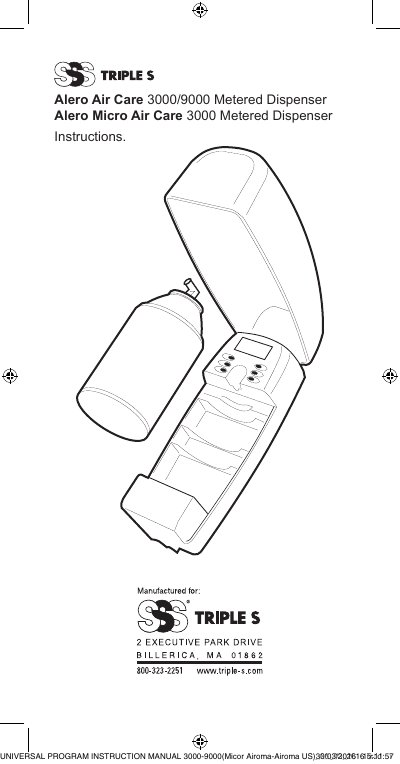
Alero Air Care 3000/9000 Metered Dispenser Universal Program Instruction Manual
The Alero Air Care 3000/9000 is a metered dispenser that uses 2 C-cell batteries and an approved refill; the refill must be installed with the actuator in the correct orientation. After power-on the unit starts with default settings, and replacing an empty refill with a new one automatically resets the system.
The universal program instruction manual explains programming through the control panel: use PROG to adjust programming, the adjust buttons to scroll, and ENTER to confirm. The LCD scrolls selected options after programming; holding PROG for 5 seconds reviews them, and pressing ENTER after setup performs a test spray. Quick settings can override previous program options. The manual warns not to install or use the dispenser directly above polished, painted, or plastic surfaces.
Covers: Installation Instructions · Programming Control Panel · Set Refill Size · Set Day of Week · Set Time Now · Set Start Time
Latest Alero manuals
Alero Air Care 3000/9000 Metered Dispenser Universal Program Instruction Manual
User Manual 12 pages · 685 KB · ENUniversal programming and installation instructions for the Alero Air Care 3000 and 9000 metered dispensers, including control panel setup and quick settings.
Which document do I need?
User Manual
Day-to-day operation, settings and troubleshooting. Start here if the product is already set up.
Questions answered in Alero manuals
How do I start the dispenser?
Insert 2 C-cell batteries and an approved refill with the correct actuator orientation, then press the power button. The unit begins in default settings.
From: Alero Air Care 3000/9000 Metered Dispenser Universal Program Instruction Manual
How do I review the selected program options?
Press and hold the PROG button for 5 seconds.
From: Alero Air Care 3000/9000 Metered Dispenser Universal Program Instruction Manual