
Key facts
- Manuals
- 1
- Languages
- EN
- Last added
- 2026-11-06
Featured Rotman manuals
Rotman RIT Client Build 1.05 User Guide
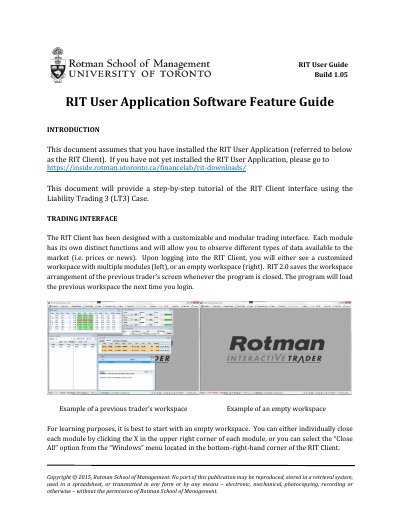
This guide from the Rotman School of Management walks through the RIT Client interface of the RIT User Application (Build 1.05). It assumes the application is already installed and uses the Liability Trading 3 (LT3) Case as the worked example, starting from the modular trading workspace and the main menu buttons that open each module.
The document describes the Help Files and Case Files modules, the case information and API/RTD status shown in the bottom bar, and the Portfolio module fields such as ticker, position, cost, bid, ask and realized and unrealized P&L. It also explains the two Market Depth views, Book Trader and Ladder Trader, including how bids, asks and the bid-ask spread are shown in the order book.
Covers: Trading Interface · Modules – Menu · Help Files · Case Files · Modules – Information · RIT API Features
Latest Rotman manuals
Rotman RIT Client Build 1.05 User Guide
User Manual 14 pages · 647 KB · ENStep-by-step tutorial for the Rotman RIT Client trading application (Build 1.05), covering modules, portfolio data and market depth.
Which document do I need?
User Manual
Day-to-day operation, settings and troubleshooting. Start here if the product is already set up.
Questions answered in Rotman manuals
How can I submit orders outside of the RIT Client?
Through the Excel VBA API or the REST API, using applications or languages such as Excel, Python, Matlab or C#.
What are the five types of securities in RIT 2.0?
The five types are STOCK, SPOT, FUTURE, INDEX and OPTION.