
Key facts
- Manuals
- 1
- Languages
- EN
- Last added
- 2023-10-26
Featured Jazz Imaging manuals
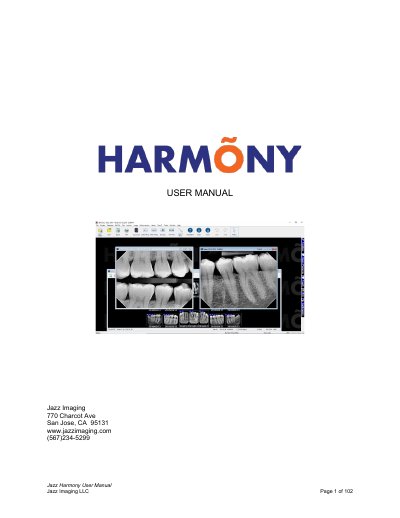
Jazz Imaging Harmony User Manual
The Jazz Imaging Harmony User Manual describes the software interface and workflow for dental imaging practices. It details how to manage patient records, including creating new profiles and importing data from practice management bridges. The guide explains the main menu, toolbar, and toolbox features designed for capturing, manipulating, and enhancing dental images.
The document covers specific procedures for capturing single and layout images, intra-oral camera usage, and continuous series capture. It also provides instructions for image enhancement tools such as brightness/contrast control, sharpening, and real-time filters. Additionally, the manual outlines methods for image management, labeling, calibration, and distributing images via email or print.
Covers: The User Interface · Managing Patients · Capturing Images in Harmony · Interacting with layouts · Image Enhancement · Image Management
Latest Jazz Imaging manuals
Jazz Imaging Harmony User Manual
User Manual 102 pages · 6.5 MB · ENThis manual provides instructions for using the Jazz Imaging Harmony dental imaging software, covering patient management, image capture, enhancement, and…
Which document do I need?
User Manual
Day-to-day operation, settings and troubleshooting. Start here if the product is already set up.
Questions answered in Jazz Imaging manuals
What is the main interface of Harmony designed to do?
It is designed to provide as much screen "real estate" as possible for capturing, manipulating and enhancing images.
How can users switch between different patient records?
Users can click on the patient's name in the pop-up control to switch to another patient.