
Key facts
- Manuals
- 1
- Languages
- EN
- Last added
- 2023-10-26
Featured DD-WRT manuals
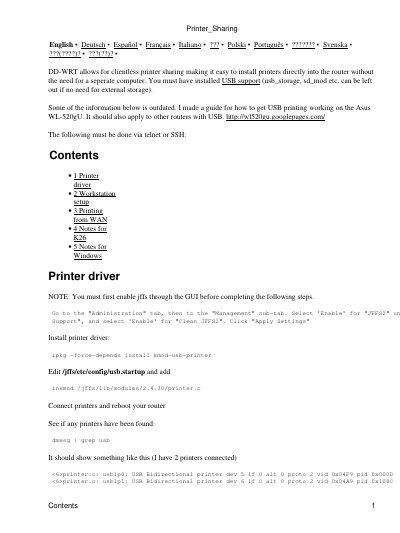
DD-WRT USB Printer Installation Guide
This guide explains how to install USB printers on DD-WRT routers, including enabling JFFS2, installing printer drivers, and configuring CUPS for printing. It covers setup for Windows, Mac, and Linux workstations, as well as WAN printing and kernel-specific notes for K26. Commands are executed via telnet or SSH, and printer detection is verified using dmesg.
The guide includes troubleshooting tips for Windows driver issues and kernel compatibility, such as manually creating device files for K26 systems. It also provides port configuration details for multiple printers and firewall rules for WAN access.
Covers: Printer driver · Workstation setup · Printing from WAN · Notes for K26 · Notes for Windows
Latest DD-WRT manuals
DD-WRT USB Printer Installation Guide
User Manual 4 pages · 250 KB · ENStep-by-step guide to install USB printers on DD-WRT routers using CUPS and telnet/SSH commands.
Which document do I need?
User Manual
Day-to-day operation, settings and troubleshooting. Start here if the product is already set up.
Questions answered in DD-WRT manuals
How do I enable JFFS2 support for USB printer installation?
Go to the "Administration" tab, then "Management" sub-tab. Select 'Enable' for "JFFS2" and "Clean JFFS2". Click "Apply Settings".
What command installs the printer driver on DD-WRT?
Use: ipkg -force-depends install kmod-usb-printer.