
Key facts
- Manuals
- 1
- Languages
- EN
- Last added
- 2026-11-06
Featured Simple Diagnostics manuals
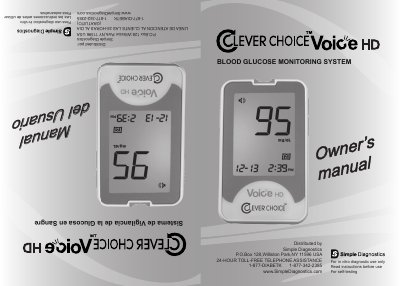
Simple Diagnostics CLEVER CHOICE Voice HD Blood Glucose Monitoring System User Manual
This manual guides users through setting up the CLEVER CHOICE Voice HD meter, including language, voice, date, and time configuration. It explains how to perform blood glucose tests using finger or alternative sites, interpret results, and maintain the device. Safety precautions and limitations for alternative site testing are also detailed.
The meter features voice-guided setup and testing, with symbols indicating battery status, test results, and memory functions. It is designed for home use by individuals with diabetes to monitor glucose levels, but not for diagnosing or screening diabetes or use in newborns.
Covers: Before You Begin · About Your System · Introduction to the System · About Alternative Site Testing (AST) · Contents of the Kits · Setting the Meter and Deleting the Memory
Latest Simple Diagnostics manuals
Simple Diagnostics CLEVER CHOICE Voice HD Blood Glucose Monitoring System User Manual
User Manual 19 pages · 10.5 MB · ENUser manual for the CLEVER CHOICE Voice HD blood glucose meter, covering setup, testing, maintenance, and safety instructions.
Which document do I need?
User Manual
Day-to-day operation, settings and troubleshooting. Start here if the product is already set up.
Questions answered in Simple Diagnostics manuals
Can I use this meter for newborns or diabetes diagnosis?
No, the system is not for diagnosing or screening diabetes, nor for neonatal use.
From: Simple Diagnostics CLEVER CHOICE Voice HD Blood Glucose Monitoring System User Manual
Can I use the meter with control solutions?
Yes, control solutions are used to check that the meter and test strips are working properly.
From: Simple Diagnostics CLEVER CHOICE Voice HD Blood Glucose Monitoring System User Manual