
Key facts
- Manuals
- 1
- Languages
- EN
- Last added
- 2023-10-26
Featured IIA manuals
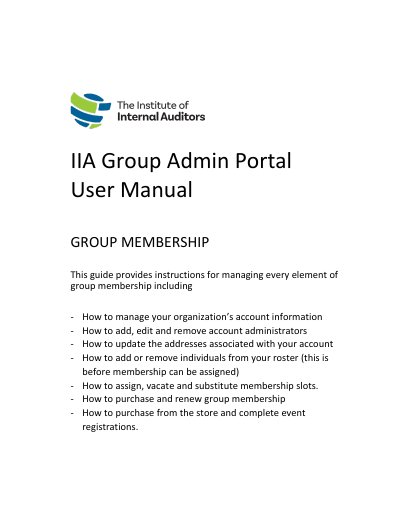
IIA Group Admin Portal User Manual
This guide provides instructions for managing every element of IIA group membership through the IIA Group Admin Portal. It covers account management tasks such as updating organization information, managing billing and shipping addresses, and handling account administrators. Users can add, edit, or remove administrators and manage the account roster to assign individuals to the organization.
Covers: Overview · Technical Requirements · Account Management · Manage Account Information · Update Billing Address · Update Shipping Address
Latest IIA manuals
IIA Group Admin Portal User Manual
User Manual 26 pages · 1013 KB · ENInstructions for managing IIA group membership, account administrators, and roster assignments via the Admin Portal.
Which document do I need?
User Manual
Day-to-day operation, settings and troubleshooting. Start here if the product is already set up.
Questions answered in IIA manuals
Who has access to the IIA Admin Portal?
Only individuals with the Account Administrator role (also known as the Group Admin) for your organization's IIA account will have access.
How do I update my organization's billing address?
Log in to the Admin Portal, select 'Billing Address' under Account Management, update the address, and select the green 'Save' button.