
Key facts
- Manuals
- 1
- Languages
- EN
- Last added
- 2026-11-06
Featured Creative Technology Ltd manuals
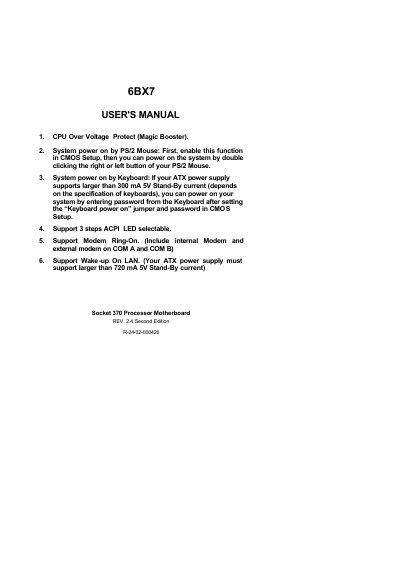
Creative Technology Ltd 6BX7 Socket 370 Processor Motherboard User's Manual
This manual provides instructions for installing and configuring the 6BX7 Socket 370 Processor Motherboard. It covers system bus speed settings via DIP switches, CPU compatibility, DRAM installation, and hardware connectors like power LED, reset switch, and IDE ports. The board supports features such as CPU Over Voltage Protect, PS/2 mouse power-on, ACPI LED, Modem Ring-On, and Wake-up On LAN.
The manual includes detailed tables for setting system bus speed and frequency ratios, along with warnings about non-standard frequencies. It also explains how to install DRAM modules, configure CMOS RTC, and connect peripheral devices like speakers, reset switches, and keyboards.
Covers: Quick Installation Guide · Hardware Installation · DRAM Installation · CPU Speed Setup · CMOS RTC & ISA CFG · Speaker Connector Installation
Latest Creative Technology Ltd manuals
Creative Technology Ltd 6BX7 Socket 370 Processor Motherboard User's Manual
User Manual 44 pages · 392 KB · ENUser manual for the 6BX7 Socket 370 Processor Motherboard with features like CPU Over Voltage Protect, PS/2 mouse power-on, ACPI LED, Modem Ring-On, and…
Which document do I need?
User Manual
Day-to-day operation, settings and troubleshooting. Start here if the product is already set up.
Questions answered in Creative Technology Ltd manuals
How can I power on the system using a PS/2 mouse?
Enable the function in CMOS Setup, then double-click the right or left button of your PS/2 Mouse.
From: Creative Technology Ltd 6BX7 Socket 370 Processor Motherboard User's Manual
What is the recommended system bus speed?
The system bus speed can be set to 66 MHz or 100 MHz using SW2.
From: Creative Technology Ltd 6BX7 Socket 370 Processor Motherboard User's Manual